
Athena results and exports
A completed Athena query shows rows, elapsed time, and scanned bytes.
Review a completed result
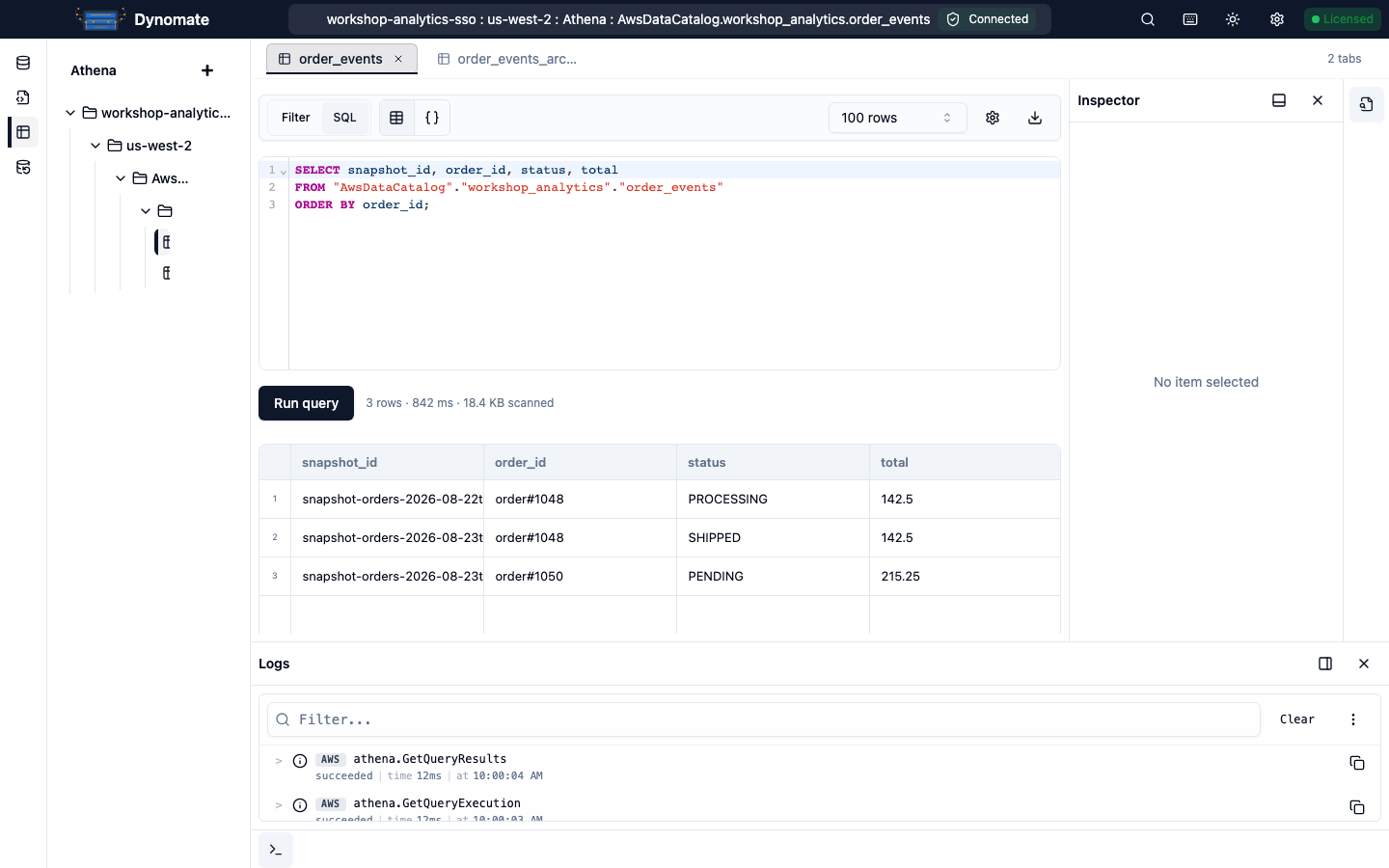
Use Table view for selection and row actions. Use JSON view for a structured preview of the current result.
Inspect a selected row
- Open Table view.
- Select a result row.
- Open JSON Inspector in the dock.
The JSON Inspector shows the selected Athena row as JSON. Athena results are read-only in JSON Inspector.
Copy rows
- Select one or more rows.
- Open the result context menu.
- Select Copy row or Copy rows.
Dynomate copies the selected row objects as JSON.
Export results
Use the main export action to save all rows in the current completed result as JSON or CSV. To export selected rows, select them, open the context menu, then choose Export as JSON or Export as CSV.
Dynomate saves the file in your Downloads directory and offers Open folder after completion. An export does not rerun the Athena query and cannot include rows that Dynomate did not collect.
Result limits
- Max rows limits the rows Dynomate collects to 100 through 500,000.
- JSON view previews at most 200 rows.
- The 200-row JSON preview limit does not reduce a full-result export.
- A selected-row export contains only the selected rows.
- Scanned bytes and Athena cost can exceed the size of the returned result.
Cancellation and previous results
A cancelled, failed, or timed-out run does not create a partial result. Dynomate keeps the last completed result until another query succeeds or the tab closes. Confirm the result summary before you export.
See Cancel a query for the 30-second terminal-state wait and best-effort tab-close behavior.
Review activity
Open Logs to inspect the Athena start, status, result, and cancellation calls. Terminal query entries include SQL, duration, row count, row limit, columns, truncation state, and failure details.